

How to add social login on WordPress Website
Google go to this link https://console.cloud.google.com/apis/ Fill The form Facebook > Creat app > Select Business / Next >
How to add social login on WordPress Website Read More »
Google go to this link https://console.cloud.google.com/apis/ Fill The form Facebook > Creat app > Select Business / Next >
How to add social login on WordPress Website Read More »
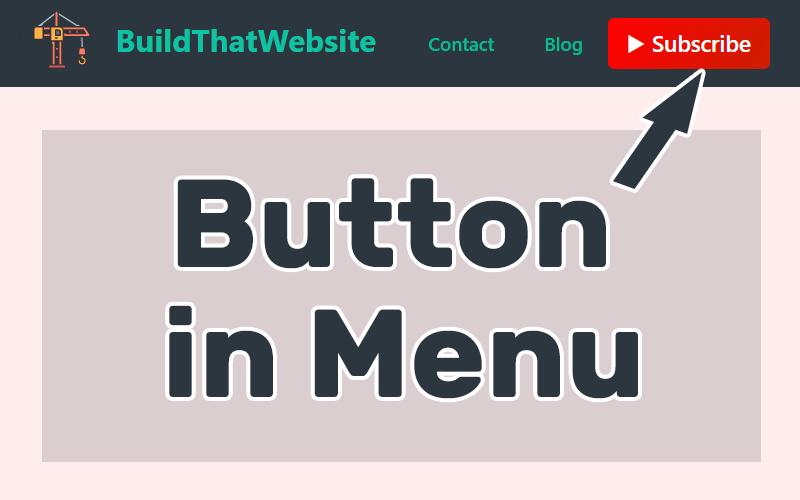
1. Go to Customizing > Additional CSS = Past this Code 2. Go to menu > Css Class = Past this Code
Add buttons to your navigation menu or Header Menu without Menu Read More »

Go to cPanel File manager define(‘ALLOW_UNFILTERED_UPLOADS’, true); Save And Change
How to Upload every types of file on your website Read More »
Go to cPanel > SSL/TLS Status > Run Auto SSL
How can I fix ‘Gmail could not verify that it actually came from domain’ Read More »

you have to install ‘Premium Addons for Elementor ‘ Plugin (its not work on Safe Mode on Elementor) Download link
hide for different user and roles on Premium Addons for Elementor Display Conditions Read More »

Back burrom click link Forward buttom To Make text bold and and Bigger To Change Text Color Url Click link Click link Buttom Icone With Click Link of Buttom to change icone go to this link > https://tools.pingdom.com/
HTML or PHP Code Tips Read More »
2. past this css icon code where you want to make icone
How to Add Icons to Custom WordPress Menus Without Plugins or by CSS Code Read More »