
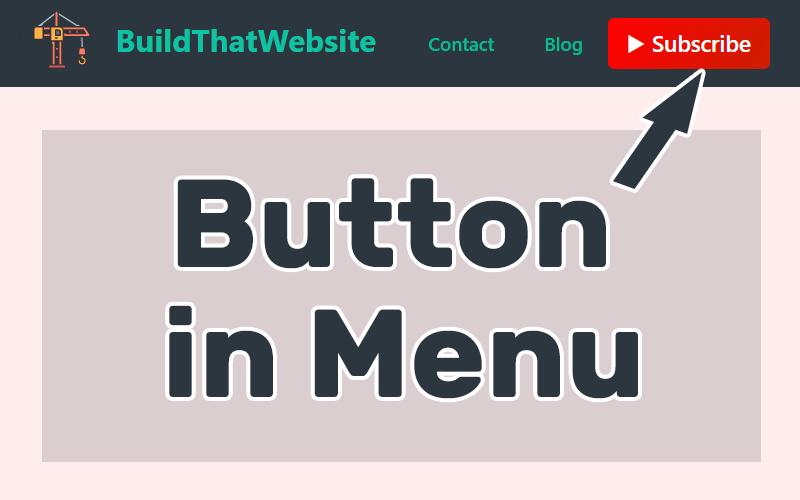
1. Go to Customizing > Additional CSS = Past this Code
/*Menu Buttom Highlight */
/* Adjust button */
	.custom-menu-button a{
		color: #ffffff;  		/* Text color */
		background-color: #B70206; 	/* Btn bg color */
		padding: 10px 10px; 		/* Space around text */
		border-radius: 3px; 		/* higher number = rounded corners */
		border: solid #000000 0px; 	/* Border color & thickness */
		max-height: 40px; 		/* Max height of button */
	}
/* Adjust button on hover or remove the whole thing */
	.custom-menu-button a:hover{
		color: #ffffff; 		/* Hover color */
		background-color: #35a8ea; 	/* Btn hover bg color */
		border: solid #000 0px; 	/* Hover border color & thickness */
	}
/* Remove default hover on links*/
	.custom-menu-button:hover{
		text-decoration: none;
		color:#fff!important;
	}
2. Go to menu > Css Class = Past this Code
custom-menu-button