
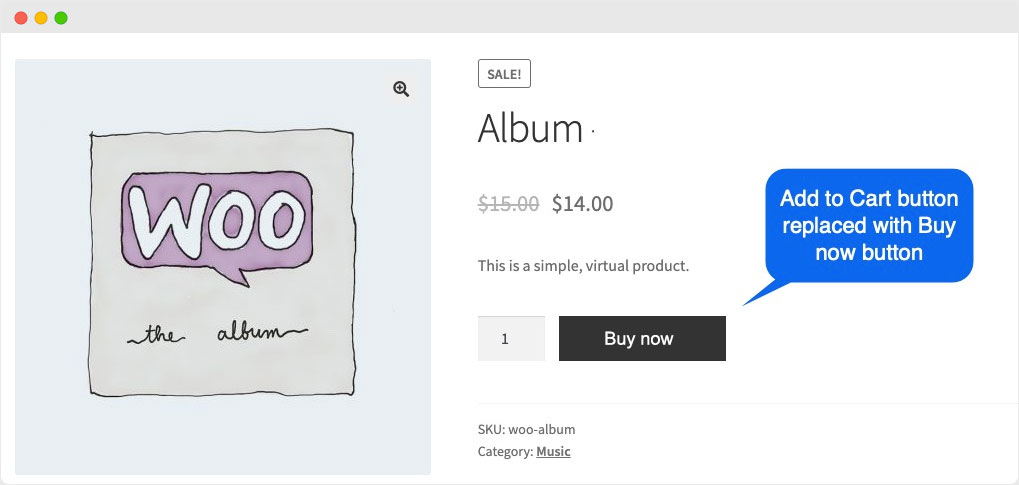
Go tho Thame Edit >> Functions.php >> Past this code on down below
- For Singal Product
add_filter( 'woocommerce_product_single_add_to_cart_text', 'woocommerce_add_to_cart_button_text_single' ); function woocommerce_add_to_cart_button_text_single() {return __( 'Buy Now', 'woocommerce' ); }2. For Archives or Shop Page
add_filter( 'woocommerce_product_add_to_cart_text', 'woocommerce_add_to_cart_button_text_archives' ); function woocommerce_add_to_cart_button_text_archives() {return __( 'Like & Save', 'woocommerce' );}